How to Add Services to Your Google Business Profile, and Why It Matters
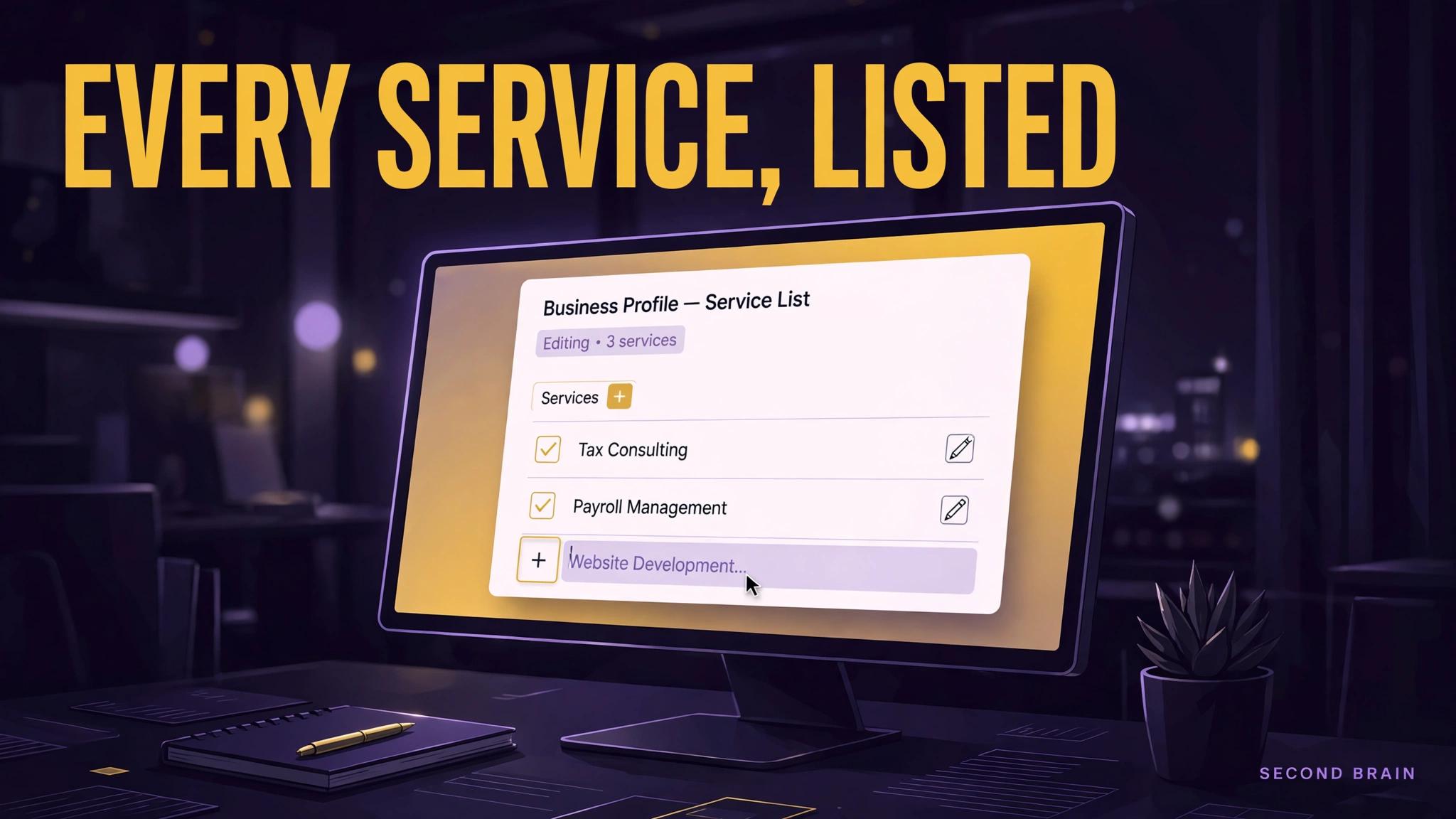
TL;DR: The services list on a Google Business Profile is not decoration. It is the part of the profile that matches your business to specific searches, the homeowner looking for one exact job rather than a trade in general. Add every service you genuinely offer, worded the way customers word it, with prices only where you publish honest ones, and recheck the list whenever your offer changes.
Key Takeaways
- The services list on a Google Business Profile is not decoration.
- Start with the failure pattern you can verify in your own records: Default services never edited: Suggested services describe a generic business in your category, not yours.
- Work in sequence: Open the profile editor in Google Business Profile and find the Services section for your primary category. Then: Delete any service you no longer offer, without nostalgia. Accuracy beats coverage.
- Judge the result with your own numbers: Every listed service is offered today, verified against your current price book.
Many profiles carry the services Google suggested at setup and nothing since. The business has added offers, dropped others, and renamed half of them, while the public list still describes the company from years ago. This is a short, practical fix: where the services editor lives, how to word entries so they match real searches, and the check that keeps the list true.
What goes wrong with services lists?
The order matters here. These problems tend to arrive together, but they do not cost the same, and fixing the visible one first usually means fixing it twice.
- Default services never edited. Suggested services describe a generic business in your category, not yours.
- Services worded in trade shorthand. Customers search for the outcome or the problem, not your internal job codes.
- Services you no longer offer still listed. Every stale entry invites a call you will disappoint.
- One long paragraph instead of a list. Buried services do not match specific searches and are hard for customers to scan.
How should services be worded and structured?
- Open the profile editor in Google Business Profile and find the Services section for your primary category.
- Delete any service you no longer offer, without nostalgia. Accuracy beats coverage.
- Add each real service as its own entry, worded in plain customer language.
- Add a short description per service where the editor allows it, naming who it is for and what it includes.
- Save, then check the public profile as a customer would see it, on a phone.
If you are already part way down this list, start from the first step you cannot honestly check off. Systems fail at their earliest missing step more often than at their latest one, and repairs made downstream of a gap rarely hold.
What happens when the services list goes stale?
Illustrative example only: a roofer whose list still leads with a service dropped two seasons ago fields calls for work they decline, while the newer service they want more of appears nowhere. Swapping those two lines costs minutes. The example is illustrative; compare your own list against your current price book to find your version.
The mistakes that most often undo this work:
- Copying a competitor's service list, including services you cannot deliver.
- Adding prices you do not honour, which creates disputes at the quote stage.
- Treating the list as set and forget while the offer changes seasonally.
How often should the services list be reviewed?
You know this is working when you can check the following against your own records, without asking anyone to prepare a report:
- Every listed service is offered today, verified against your current price book.
- Service names match the wording on your website service pages.
- The list is reviewed whenever the offer changes, and at least quarterly.
Related reading from this program: Google Business Profile for contractors, Google Business Profile for roofers, listing your services online.
Second Brain builds and runs systems like these for service businesses, and the engagement always starts the same way: find where the work is actually being lost, in what order, and what evidence would prove a fix worked. If this guide's diagnosis matches your operation, that audit is the honest next step. If it does not match, you have saved yourself a purchase, which is also a good outcome.
FAQ
Does adding services improve rankings?
Services help Google match your profile to specific searches and help customers confirm you do the job. This guide claims no ranking figure; the honest test is whether your profile starts appearing, and converting, for the work you actually want.
How many services should I list?
As many as you genuinely offer and can describe clearly. A long, accurate list beats a short generic one, and a short accurate list beats a padded one.
Can service area businesses add services?
Yes. Services are independent of whether you show an address. Service area businesses should keep both the service list and the service area current.
What if my category has no services editor?
Some categories expose services differently in the editor. Work through the profile information sections Google offers for your category, and keep the website service pages as the complete record.
Sources
- Keyword basis: mined queue (SE Ranking, pulled 2026-10-23, US, desktop) entry "add services to google my business", ESTIMATED volume 10, ESTIMATED difficulty 24, intent informational. Mined figures are estimates, unvalidated against our own GSC and PostHog data, and no mined figure is claimed as a result in this post.
- Internal link targets: gbp-for-contractors, gbp-for-roofers, list-your-services-for-free (live, staged, or drafted in this same program, checked 2026-10-23).
- No external statistics, market prices, or client claims are made in this post. Worked figures are labelled illustrative in the text, and guidance is stated as general practice from implementation and operations work.