Roofing Project Management Software: What It Has to Handle Before It Earns Its Seat
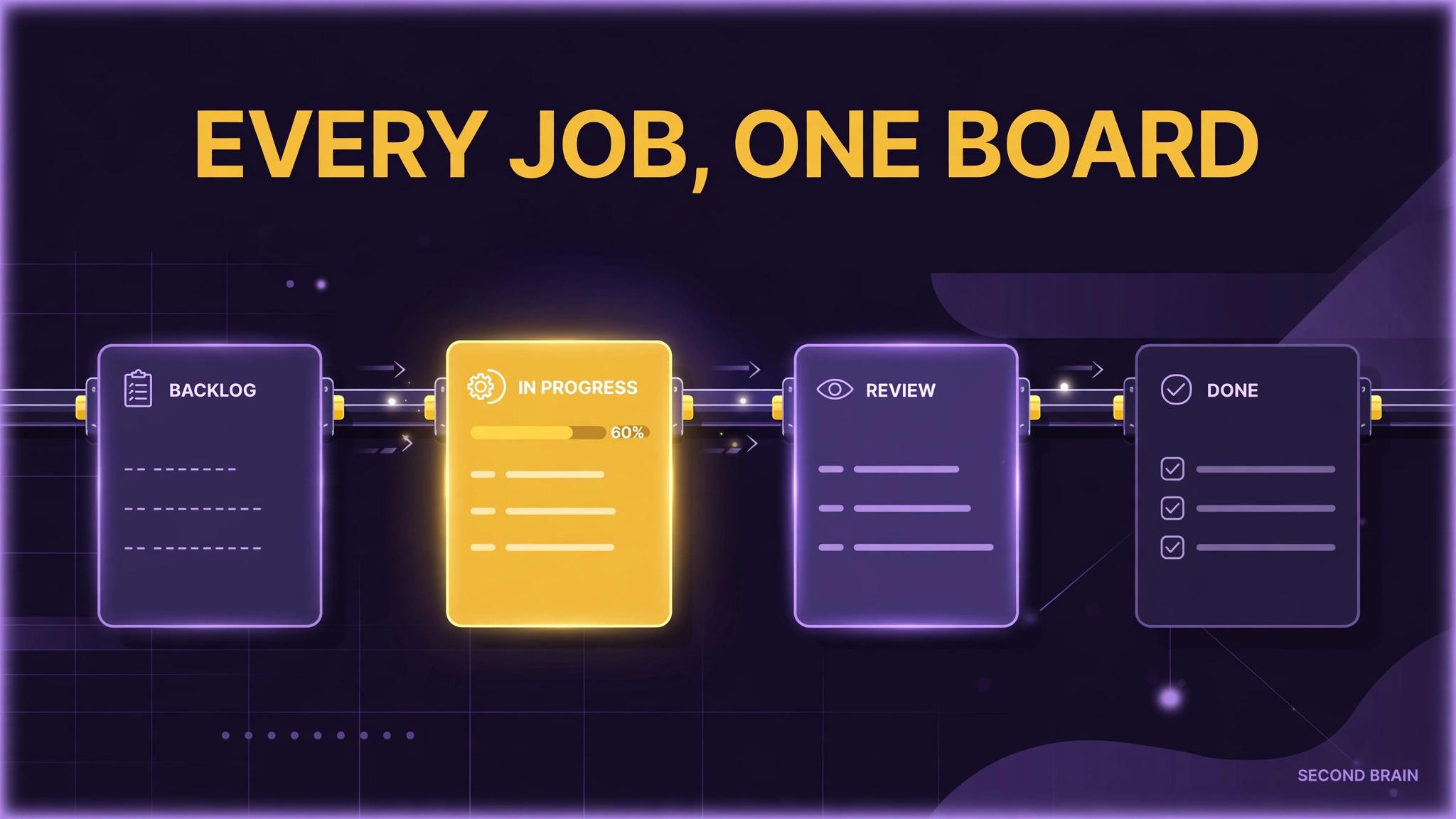
TL;DR: Roofing project management software earns its place when it tracks the job the way a roof actually moves: sold, measured, materials ordered, crew scheduled, work photographed, punch list closed, invoice sent. If a platform cannot show every open job at its current stage in one view, it is a contact list with a calendar attached, whatever the sales page calls it.
Key Takeaways
- Roofing project management software earns its place when it tracks the job the way a roof actually moves: sold, measured, materials ordered, crew scheduled, work photographed, punch list closed, invoice sent.
- Start with the failure pattern you can verify in your own records: Jobs tracked in heads and texts: When the stage of a job lives in a group chat, nobody can answer a customer without making three calls.
- Work in sequence: Map your real job stages on one page first, in the words your crews use, before looking at any platform. Then: Require a board view of every open job by stage, with an owner and a next action on each card.
- Judge the result with your own numbers: Every open job has a stage, an owner, and a next action, checked in a short weekly review.
A roofing job is a relay. Sales hands to measurement, measurement hands to ordering, ordering hands to the crew, and the crew hands back photos and a punch list before anyone can invoice with confidence. Projects stall at the handoffs, in text threads and memory. Project management software is worth paying for only if it makes those handoffs visible and owned.
Where does the job record break down?
The order matters here. These problems tend to arrive together, but they do not cost the same, and fixing the visible one first usually means fixing it twice.
- Jobs tracked in heads and texts. When the stage of a job lives in a group chat, nobody can answer a customer without making three calls.
- Materials ordered on hope. Without a stage gate, materials get ordered before the job is confirmed, or after the crew is already booked.
- Photo records scattered. Completion photos on personal phones cannot settle a warranty question two years later.
- No single open job view. Owners learn about a stalled job from the customer, which is the most expensive reporting system there is.
What should the software prove before you buy it?
- Map your real job stages on one page first, in the words your crews use, before looking at any platform.
- Require a board view of every open job by stage, with an owner and a next action on each card.
- Test the mobile flow with a crew lead on a real schedule, not in a sales demo.
- Check that photos, documents, and customer messages attach to the job record, not to a person.
- Run one crew and one job type through the platform for a month before migrating everything.
If you are already part way down this list, start from the first step you cannot honestly check off. Systems fail at their earliest missing step more often than at their latest one, and repairs made downstream of a gap rarely hold.
Where do roofing projects usually stall?
Illustrative example only: a company running 12 open jobs that saves one status call per job per week saves about 12 calls of chasing. The saving is not the minutes; it is the stall that gets spotted on Tuesday instead of at the customer complaint on Friday. Count your own status calls for a week to size this honestly.
The mistakes that most often undo this work:
- Buying for the feature list instead of the handoffs your jobs actually stall on.
- Letting every stage be optional, so the board shows what people felt like updating.
- Keeping a shadow spreadsheet after launch, which means the software record is never trusted.
How do you roll it out without the crews ignoring it?
You know this is working when you can check the following against your own records, without asking anyone to prepare a report:
- Every open job has a stage, an owner, and a next action, checked in a short weekly review.
- Photo sets exist for completed jobs, stored on the job record.
- Invoice timing after completion, tracked from your own records before and after the change.
Related reading from this program: best CRM for roofing companies, how roofing companies get leads, roofing scheduling software.
Second Brain builds and runs systems like these for service businesses, and the engagement always starts the same way: find where the work is actually being lost, in what order, and what evidence would prove a fix worked. If this guide's diagnosis matches your operation, that audit is the honest next step. If it does not match, you have saved yourself a purchase, which is also a good outcome.
FAQ
Is project management software the same as a roofing CRM?
No. A CRM manages leads and customer relationships. Project management manages the job after the sale: stages, crews, materials, and completion records. Some platforms bundle both, which is fine if each half works. Our CRM comparison covers the relationship side.
What is the one feature to test hardest?
The board view on a phone, in daylight, with gloves in the other hand. If a crew lead cannot update a stage in seconds, the record will decay.
Should a small roofing company bother?
If one person holds every job stage in memory, software is insurance against that person being sick, busy, or gone. Below that point, a disciplined shared board may be enough. Buy when the handoffs, not the headcount, start failing.
How long should a trial run?
One full job cycle for one crew, start to invoice. Shorter trials only test the demo, not the handoffs.
Sources
- Keyword basis: mined queue (SE Ranking, pulled 2026-10-23, US, desktop) entry "roofing project management", ESTIMATED volume 320, ESTIMATED difficulty 7, intent local/commercial. Mined figures are estimates, unvalidated against our own GSC and PostHog data, and no mined figure is claimed as a result in this post.
- Internal link targets: roofing-crm-comparison, roofing-lead-generation, roofing-scheduling-software (live, staged, or drafted in this same program, checked 2026-10-23).
- No external statistics, market prices, or client claims are made in this post. Worked figures are labelled illustrative in the text, and guidance is stated as general practice from implementation and operations work.